
Update Google Chrome
To make sure you're protected by the latest security updates, Google Chrome can automatically update when a new version of the browser is available on your device. Before you update, check if Chrome supports your operating system and you’ve met all the other system requirements.
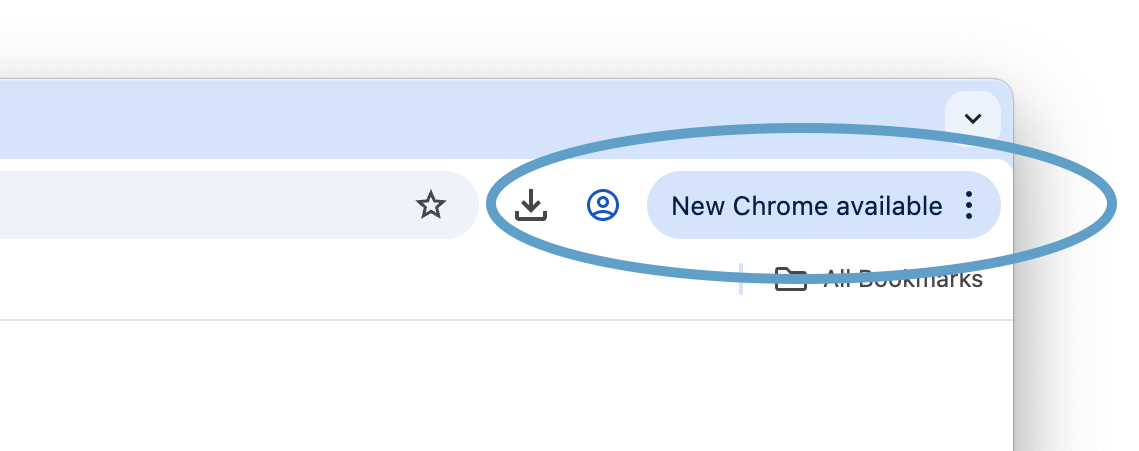

Normally updates happen in the background when you close and reopen your computer's browser. But if you haven't closed your browser in a while, you might find a pending update:
- On your computer, open Chrome.
- At the top right, select More
Help
- Select Relaunch.
- If you can't find the “Relaunch” option, you're on the latest version.

Tip: The browser saves your opened tabs and windows and reopens them automatically when it restarts. Your Incognito windows won't reopen when Chrome restarts. If you don’t want to restart right away, select Not now. The update applies the next time you restart Chrome.